





A WooCommerce purchase note is a per-product field under Product data → Advanced. Whatever you type there appears on the order received page, in the customer’s order details and in the paid order emails, with no plugin involved. It is the fastest way to say something after a sale, and it comes in exactly one shape: the same text for every buyer of that product, with no delay, no conditions and no personalisation. When you need more than that, the post-purchase message has to become an email of its own. Below is where the note shows up and where it does not, then five post-purchase emails worth sending.
What a WooCommerce purchase note is, and where it appears
It is a field on the product, not on the order. Open a product, go to Product data → Advanced, and fill in Purchase note. Anyone who buys that product sees the text afterwards.
| Where | Shown? |
|---|---|
| Order received page, right after checkout | Yes |
| Order details in My Account | Yes, for customers with an account |
| Order emails for a paid order | Yes |
| Emails for unpaid, cancelled or failed orders | No |
| A separate message sent later | No |
Typical uses: download or access instructions, a care label, a warranty reminder, the next step for a service. Anything short, factual and identical for every buyer.
What the note cannot do
Four limits, and each one is a reason people go looking for something else.
It is the same for everyone. The note belongs to the product, so a first-time buyer and a returning customer get identical wording.
It arrives at one moment. There is no delay, so a note that would be useful a week after delivery, when the product has actually been used, has no way to arrive then.
It has no conditions. You cannot show one note above a certain order value, or a different one for a particular shipping method.
It multiplies. Buy three products that each carry a note and the confirmation ends with three blocks of text, which is how a useful field turns into clutter.
There is also a reach problem. WP Desk telemetry from 19,803 WooCommerce stores, collected in August 2026, shows 86.2% of orders placed as guests. A guest has no My Account to return to, so for most of your buyers the note exists only on the thank-you page they close and in the email they may or may not open.
When any of that matters, the post-purchase message stops being a field on a product and becomes an email you control. That is what the rest of this guide covers.
Table of contents
- What a purchase note is and where it appears
- WooCommerce email marketing automation
- Sending a custom email after purchase
- Five post-purchase emails worth sending
- Summary
- Frequently asked questions
Welcome to WooCommerce email marketing automation
Before the actual ideas for improving the WooCommerce post-purchase experience and reducing post-purchase dissonance, a quick look at the plugin behind them.
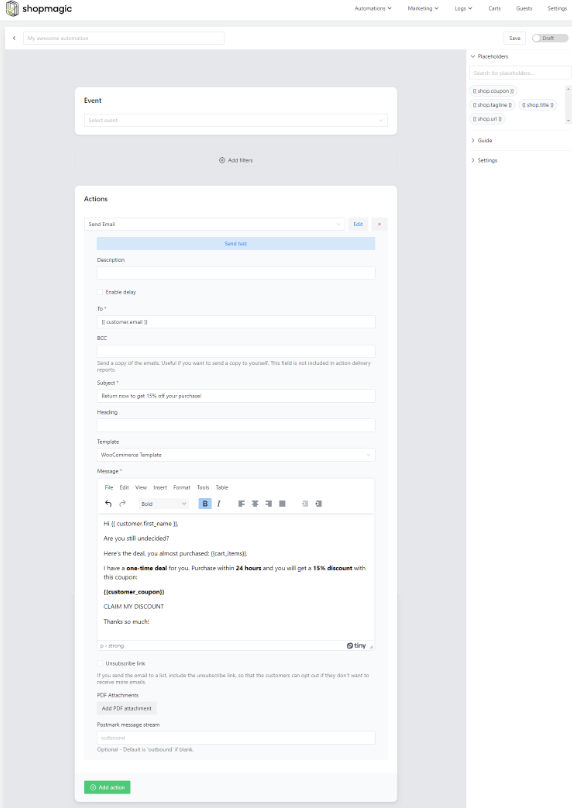
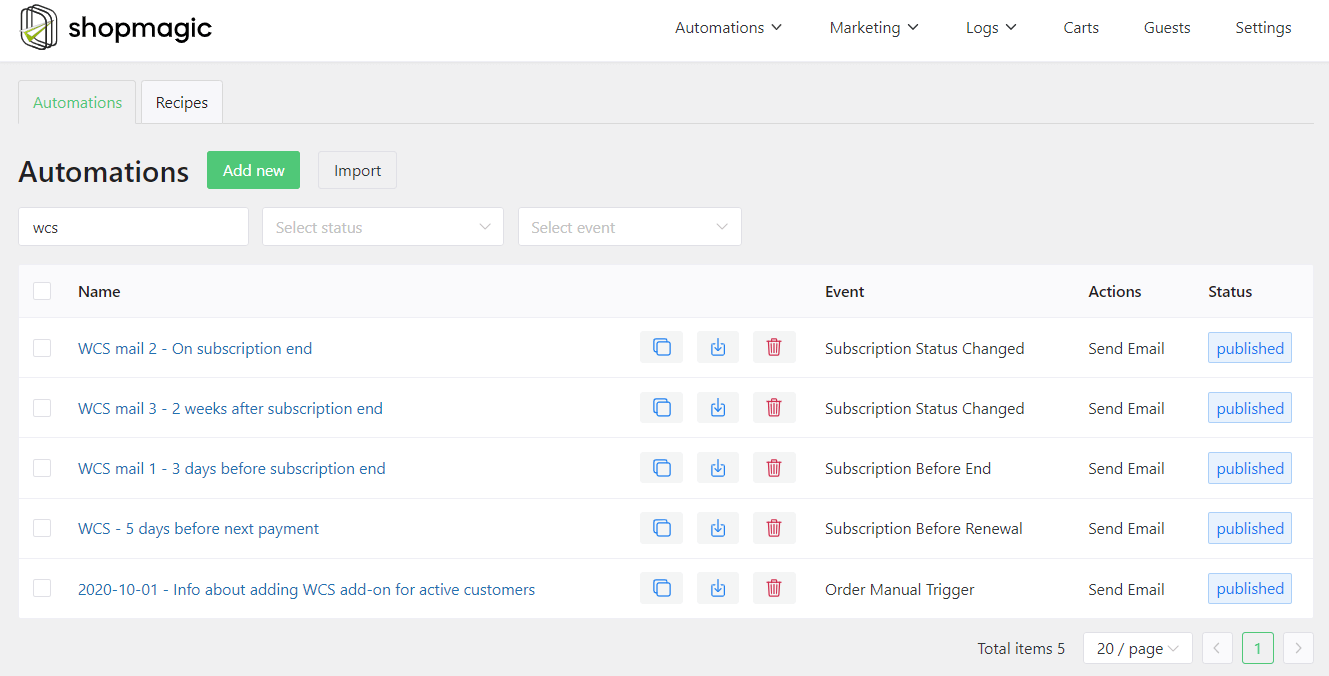
Send a custom email or note after purchase in WooCommerce
First, the free plugin for WordPress and WooCommerce.
ShopMagic
Send custom emails and notes after purchase in WooCommerce. ShopMagic will help you send post purchase surveys and customized emails after purchase.
Download for free or Go to WordPress.orgShopMagic is built around one goal, raising the conversion rate in your store, and it uses several tools to get there.
- ShopMagic Abandoned Carts. Recovers carts people leave behind, which on average is around 70% of them. The add-on is free.
- Delayed Actions. Delays any email by a set amount of time, which is the one thing a purchase note can never do.
- Review Requests. Adds direct links to the review tab of the ordered products, and can trigger a follow-up automation when a review is left.
- Advanced Filters. Adds filters for segmenting who receives what, which is the difference between a message sent to everyone and one sent to the right people.
- Manual Actions. One-off emails you fire yourself, for a new collection or a special offer.

Five post-purchase emails worth sending
All of these are things a purchase note cannot do, and all of them are achievable with ShopMagic.
ShopMagic PRO £69
Send custom emails and notes after purchase in WooCommerce. ShopMagic will help you send post purchase surveys and customized emails after purchase.
Add to cart or View Details1. A custom thank-you email or note after the purchase
The simplest and the one most stores skip. A short thank-you, a note about the order, or a message asking whether everything arrived as expected. Unlike the purchase note, this one can be addressed to the customer by name and can say different things to different buyers.
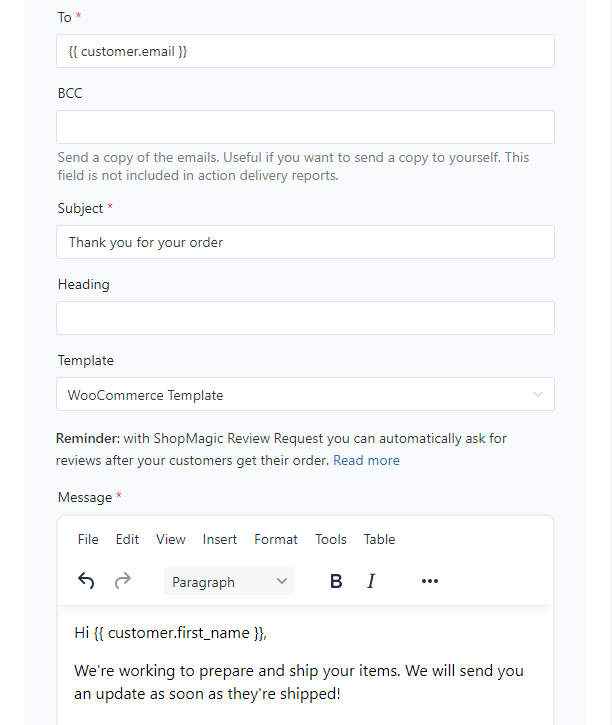
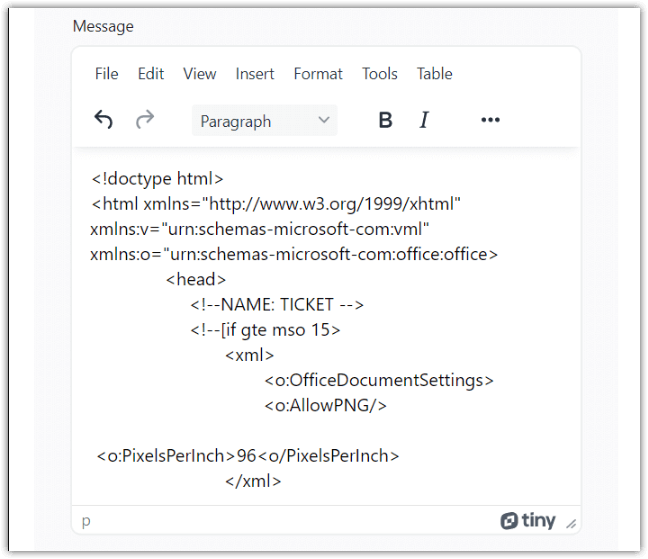
You can send the standard WooCommerce message or build your own with HTML. If you already have a template you like, paste it into the action.
2. An email with the information the customer needs next
Usually a user manual or setup instructions. A printed sheet in the box works, but a digital copy is the one that survives, because it can be found again months later in an inbox.
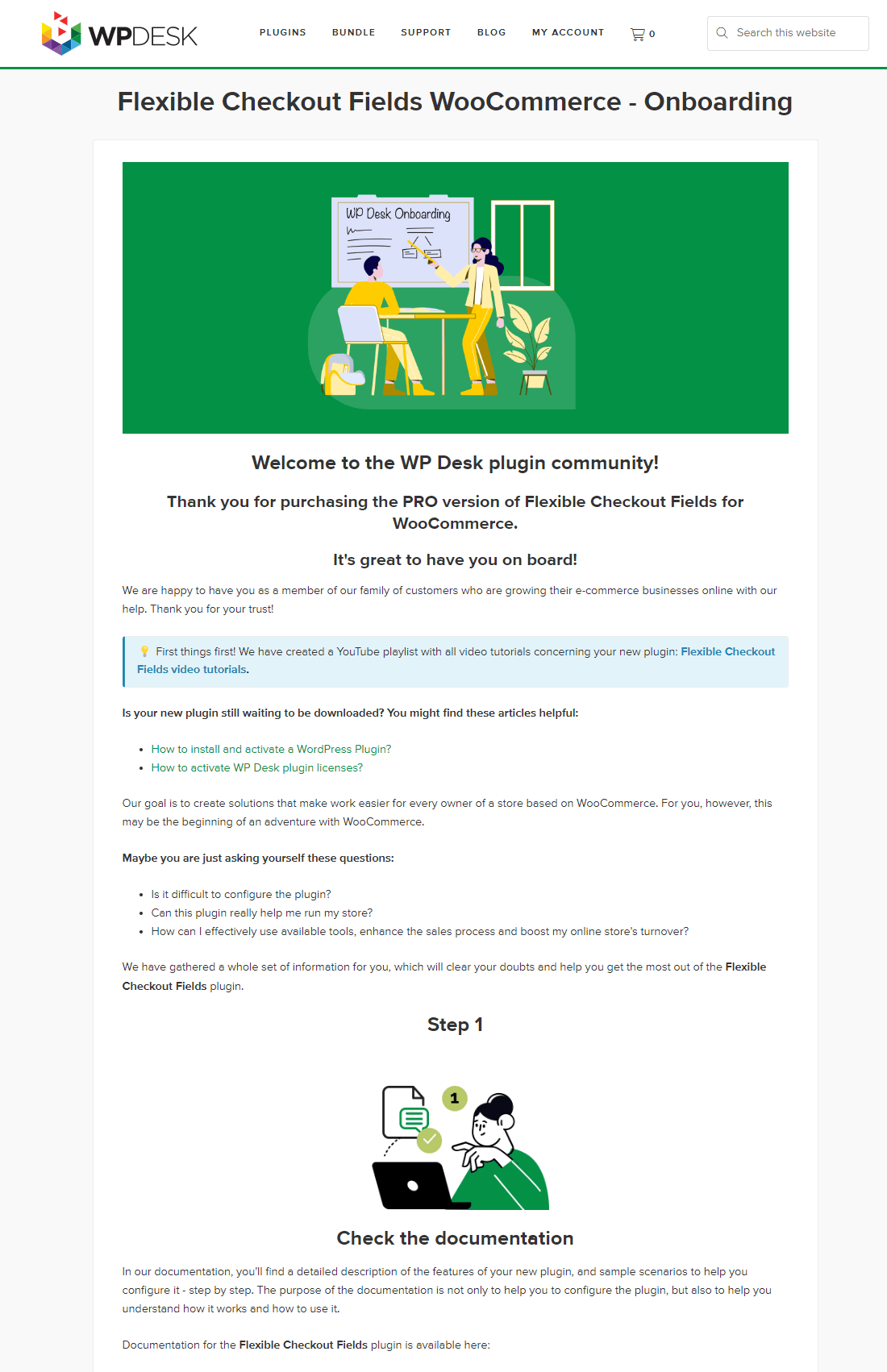
A PDF, a message, or a button linking to a file on your server. The format matters less than the timing: this is the message that belongs a day or two after delivery rather than at checkout, which is exactly where a purchase note cannot reach.
3. A post-purchase satisfaction survey
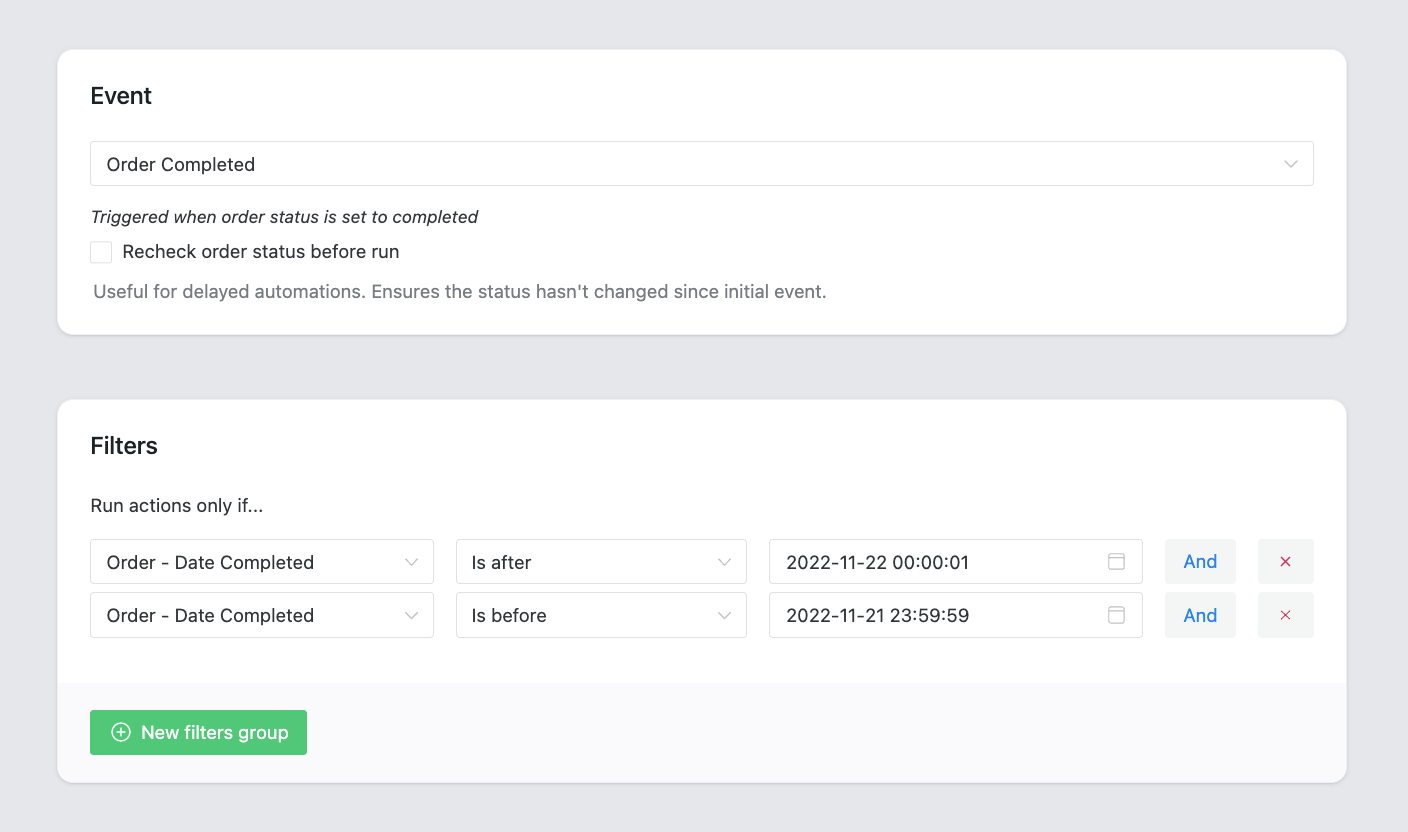
This is where Advanced Filters earns its place. You can pick a date range and survey only the customers who bought in that period, then narrow further by excluding specific products.
4. A review request
One of the most useful post-purchase emails, because reviews influence buyers you will never speak to.
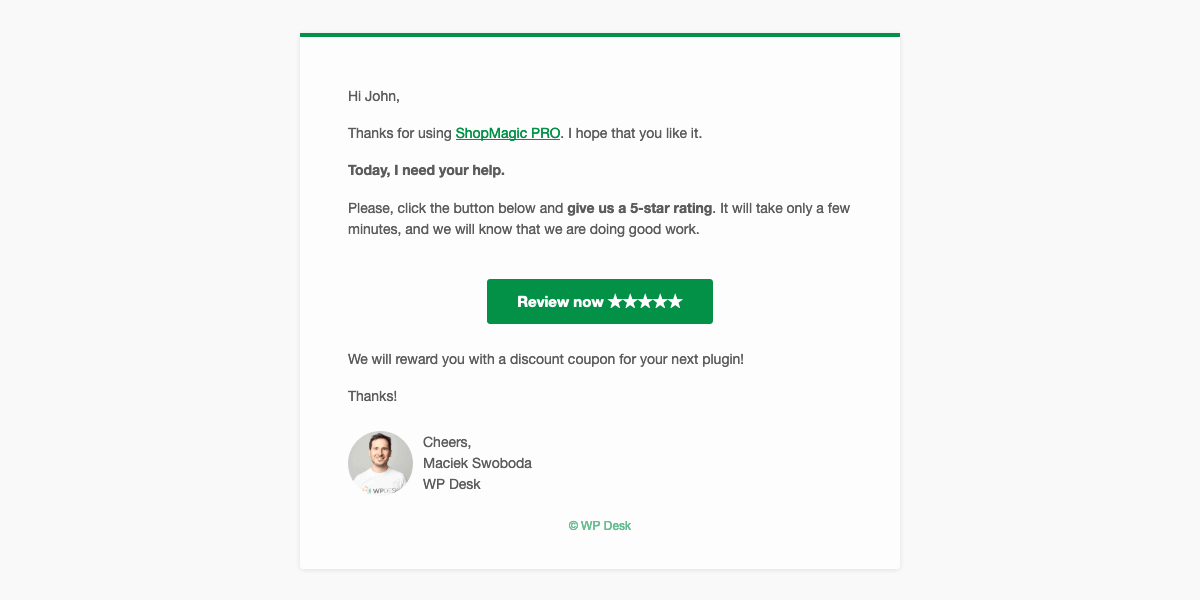
Setting up a review request takes a few minutes. A second automation can fire when a review is actually left, to say thank you or send a discount coupon. Send this one on a delay: a review request that arrives before the parcel does gets ignored at best.
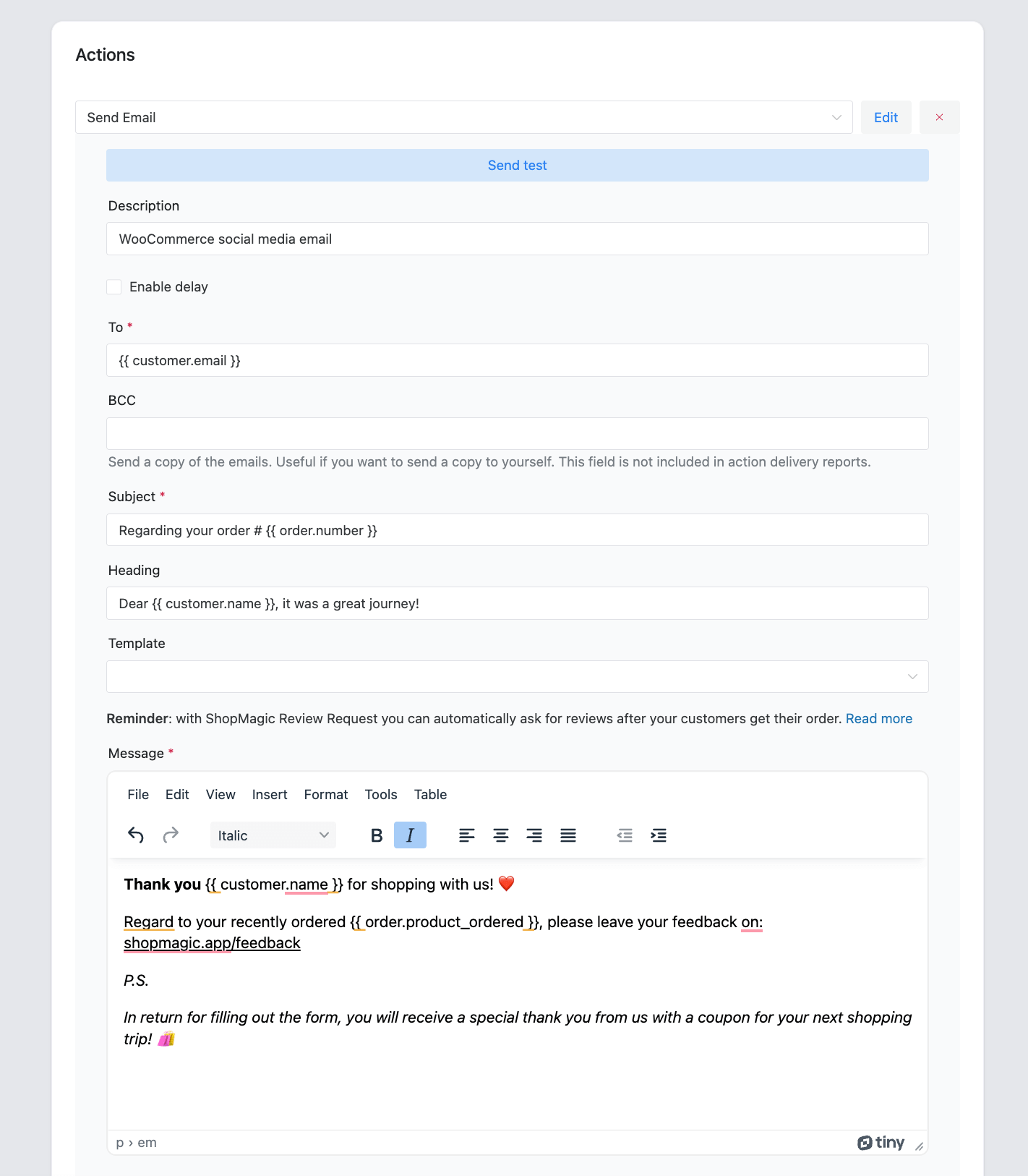
5. A social media email
Once you are confident the order went well, point customers at your social profiles, assuming you are active there and it matters to the business. You do not need a separate social media email; links added to an existing automation usually do the job, and a dedicated HTML template is an option if you want one.
Summary
The purchase note and the post-purchase email solve different problems, and knowing which one you need saves installing anything. The note is a field on the product under Product data → Advanced, it needs no plugin, and it appears on the order received page, in the order details and in the emails for a paid order. For download instructions, care information or a warranty line, it is the right tool and takes thirty seconds.
Its limits are all the same limit: the note belongs to the product, not to the customer or the moment. Everyone who buys that product sees identical text, at one fixed point, with no conditions and no delay, and three such products produce three blocks of text in one confirmation. It also never appears for unpaid or cancelled orders, and most of your buyers are guests who have no account to find it in later.
Everything that needs a name, a delay or a condition belongs in an email of its own: a thank-you that addresses the customer, instructions timed to arrive after delivery, a survey limited to a date range, a review request that waits for the parcel, a social invitation once you know the order went well. Start with the note, and move to an automation at the point where you catch yourself wanting to say something different to different people.
ShopMagic
Send custom emails and notes after purchase in WooCommerce. ShopMagic will help you send post purchase surveys and customized emails after purchase.
Download for free or Go to WordPress.orgQuestions about the setup? Contact us.
Frequently asked questions
What is a purchase note in WooCommerce?
A text field on an individual product, under Product data → Advanced. Anyone who buys that product sees the text after the order is placed.
Where does the purchase note appear?
On the order received page after checkout, in the order details in My Account, and in the order emails once the order is paid. It does not appear for unpaid, cancelled or failed orders.
Can I set a purchase note for the whole order instead of per product?
No. The field belongs to the product, so an order containing three products with notes shows all three.
Can the purchase note be personalised?
No. It is the same text for every buyer of that product, with no placeholders, conditions or variations.
Can I delay a purchase note?
No. It appears with the order confirmation and nowhere else. Anything that should arrive later has to be a separate email.
Do guests see the purchase note?
On the thank-you page and in the order email, yes. They have no My Account, so they cannot go back and find it afterwards, which matters because most WooCommerce orders are placed as guests.
What should go in a purchase note?
Short, factual information that is true for every buyer: how to download or access the product, care instructions, warranty length, the next step for a service.
When should I use an email instead?
Whenever the message needs the customer’s name, a delay, a condition, or different wording for different buyers. Review requests and instructions timed to land after delivery are the two most common cases.
