



Duplicating automations#
ShopMagic includes a built-in option to duplicate automations. Use it to create a new automation based on an existing configuration.
- Go to ShopMagic → Automations.
- Find the automation you want to copy.
- Click the copy icon labeled Duplicate.
- Open the new automation, update its name, and adjust its settings.
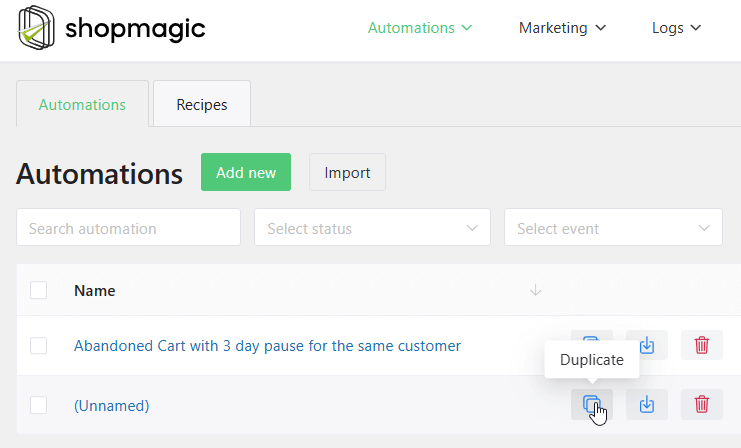
The copy receives a new automation ID and the original name followed by (duplicate). It includes the original event, filters, actions, and their settings, including email content.
Important: In ShopMagic 4.9.3, duplication preserves the original automation's publication status. Copying a published automation can therefore create another active automation. Do not assume that the copy is saved as a draft.
If you need to review the copy before it runs, set the source automation to Draft before duplicating it, then restore the source's publication status as needed.
After duplication, the two automations can be edited independently. If both remain published with matching events and filters, both may run for the same event and send duplicate messages.