



You can choose matches regex in filters that provide this option.
The regex matcher uses PCRE — Perl Compatible Regular Expressions. Supported syntax is described in the PHP PCRE documentation.
Patterns must include delimiters, for example /one|another/ or #one|another#. A delimiter can be any non-alphanumeric, non-backslash, non-whitespace character.
Patterns are case-sensitive by default. Add the i modifier to ignore letter case: /one|another/i.
A match anywhere in the value passes the filter. Use ^ and $ to match the entire value. Invalid patterns do not pass the filter. The JavaScript g modifier is not supported by PHP and should be omitted.
For example, to exclude email addresses containing either gmail or googlemail, select Customer - Email → matches regex and enter:
/^((?!(gmail|googlemail)).)*$/i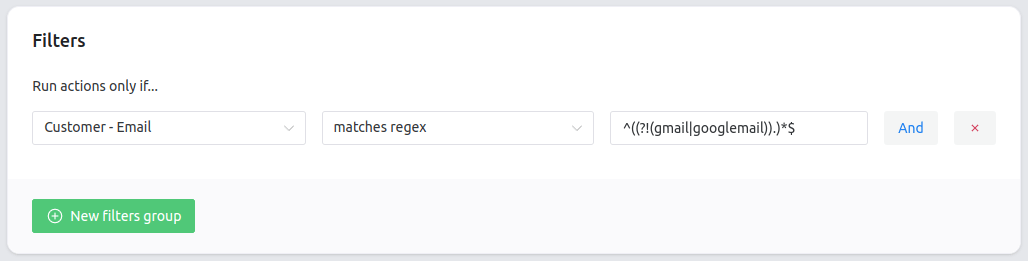
The Customer - Email filter requires the Advanced Filters add-on.
This pattern uses a negative lookahead. The filter passes only when neither string appears anywhere in the email address, including the part before @. The i modifier makes the check case-insensitive.