





ShopMagic and the Review Requests add-on let you send a review email. With ShopMagic, you are also able to thank your customers for product reviews and notify your staff about new reviews automatically. I will show you how to create, customize, and send such an email.
Have you ever tried to get a product review by sending emails manually one by one? If you have, you know how inefficient it is!
Get product reviews or send a thank-you email in WooCommerce automatically with ShopMagic!
Table of contents
- Get ShopMagic and send custom emails in WordPress and WooCommerce
- ShopMagic Event: Review Published
- Review email workflow
- ShopMagic helps you customize emails in WordPress and WooCommerce
- Summary & more about ShopMagic
Get ShopMagic and send custom emails in WordPress and WooCommerce
ShopMagic Review Requests £69
Send WooCommerce review email with ShopMagic. Include discount codes and thank your customers for their product reviews.
Add to cart or View Details➡️ I will also use the Review Requests add-on.
ShopMagic Event: Review Published
With the addition of the Review Published event, you can send an email to your customers and thank them for the review. Alternatively, you may send an email (or Slack notification) to yourself or your employees.

This event is triggered when a new WooCommerce product review is published. If a customer leaves multiple reviews on the same product the automation will run every time.
Review email workflow
You already know how the newly introduced event works. So let’s see what the workflow for this event looks like. In other words, I will tell you what is used for what.
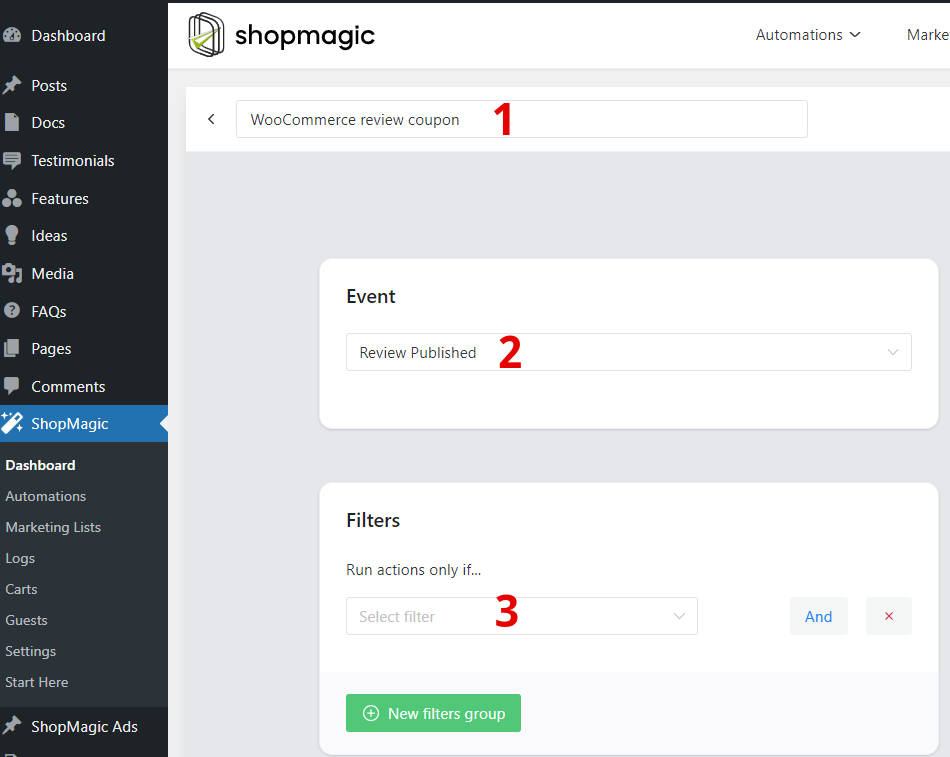
- In this space enter the name of your WooCommerce review email. This name is for your review only. No one but you will see it. However, I advise you to properly name any automation you perform in your store. You’ll thank me later when you want to quickly find a particular email and resend it 😉.
- Here, select the right event. In other words, define the condition that must be met for your email to be sent. Since we are discussing WooCommerce review email in this article, we will choose the Review published event.
- Here you segment your email’s recipients. Do you want the email to go to all customers in your store? Maybe you’d better choose filters to help you select the recipients of the email.
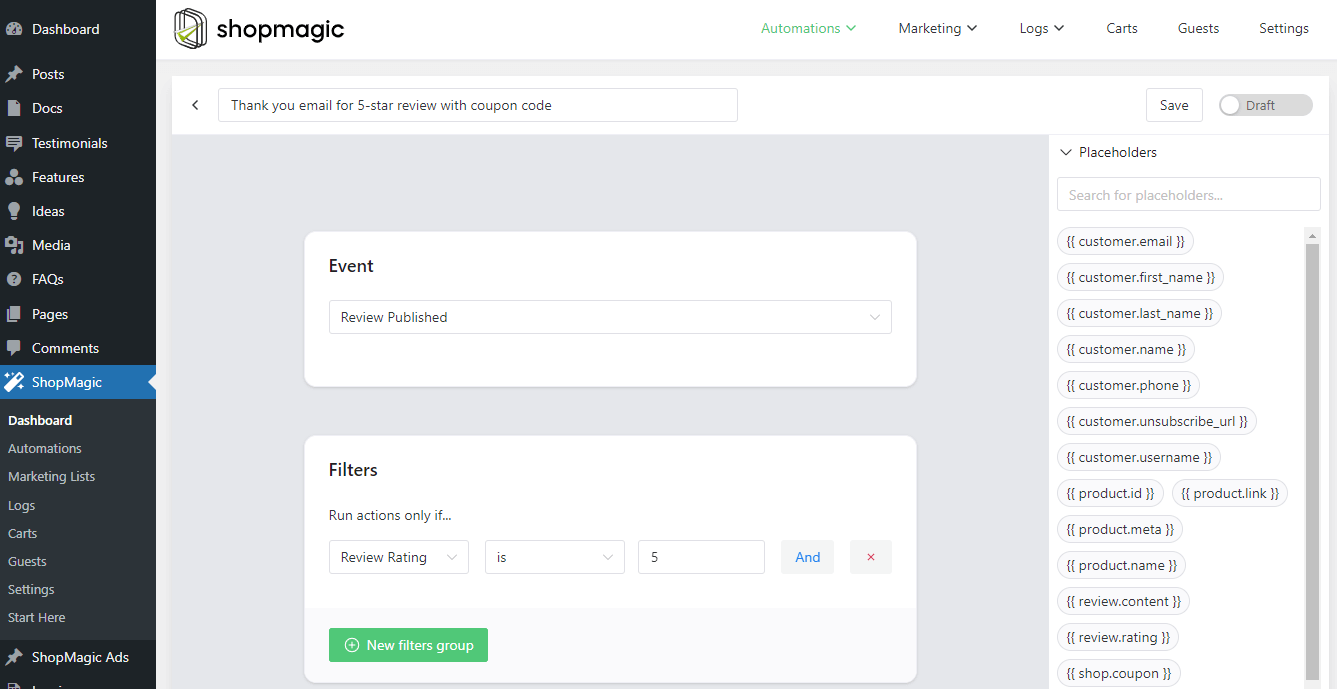
⬇️ See an example of how I created my automation ⬇️. In my case, I want to give a discount coupon to customers who have rated my product with 5 ⭐.
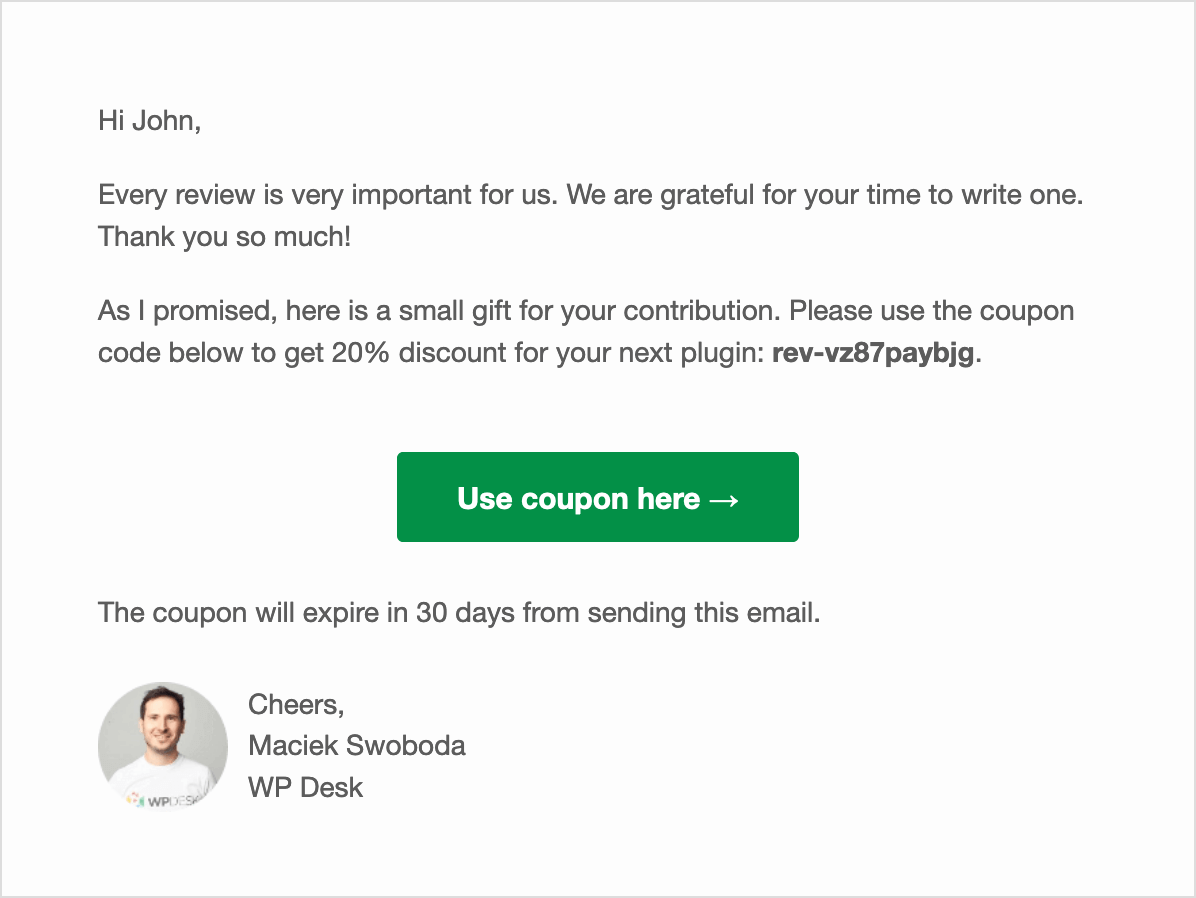
⬇️ See the effect I achieved ⬇️:
All about products and reviews (placeholders)
➡️ Recently, we’ve also added a bunch of new placeholders:
- {{ product.id }} – displays the ID of the reviewed product
- {{ product.name }} – displays the name of the reviewed product
- {{ product.link }} – displays the link of the reviewed product
- {{ product.meta }} – displays the custom field of the reviewed product
- {{ review.content }} – displays the content of the review
- {{ review.rating }} – displays the rating of the review
They will get the order and WooCommerce data to your emails automatically!
ShopMagic helps you customize emails in WordPress and WooCommerce
The plugin gives you a user-friendly email customizer.
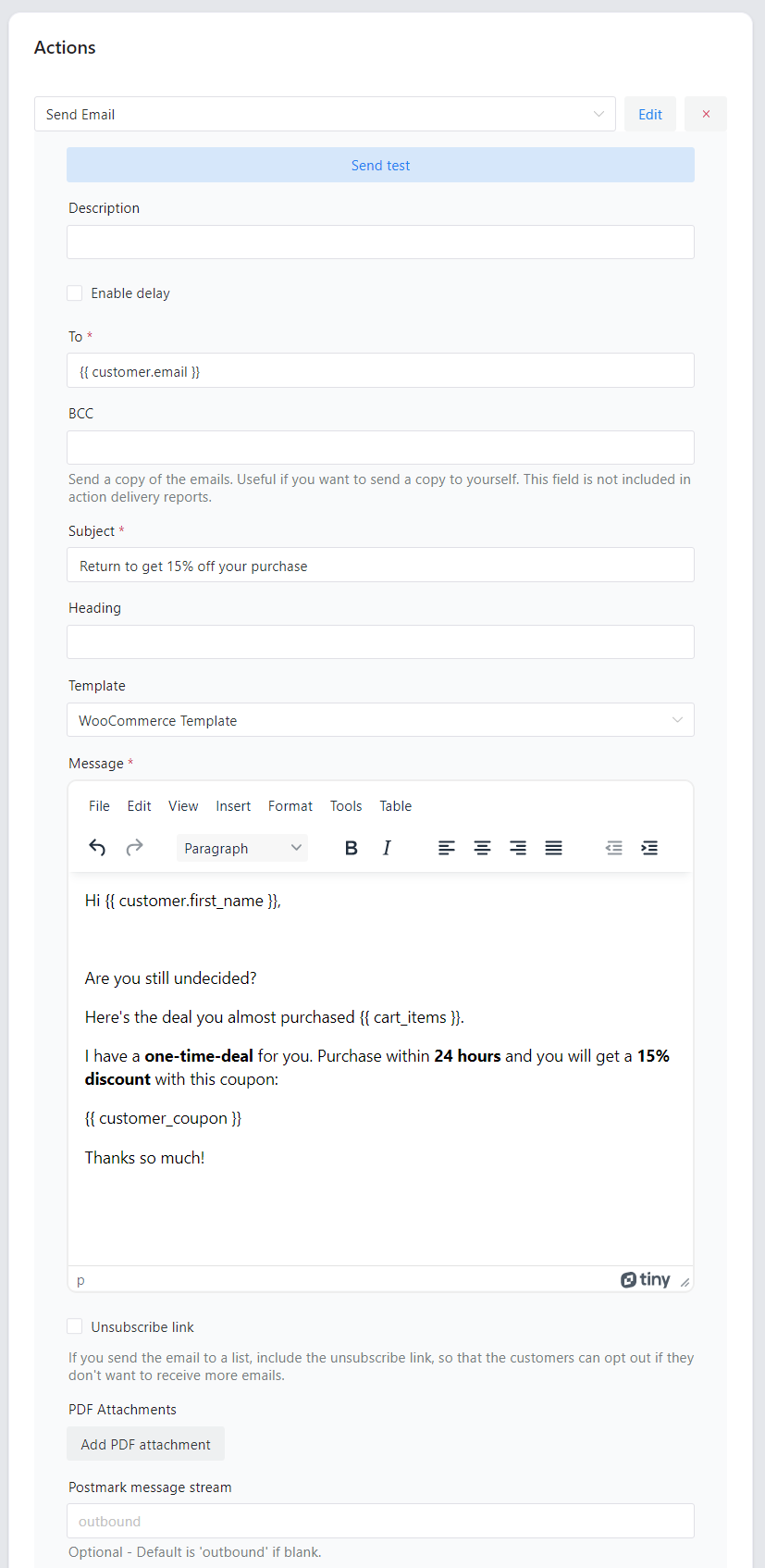
And you can create multiple email automations.
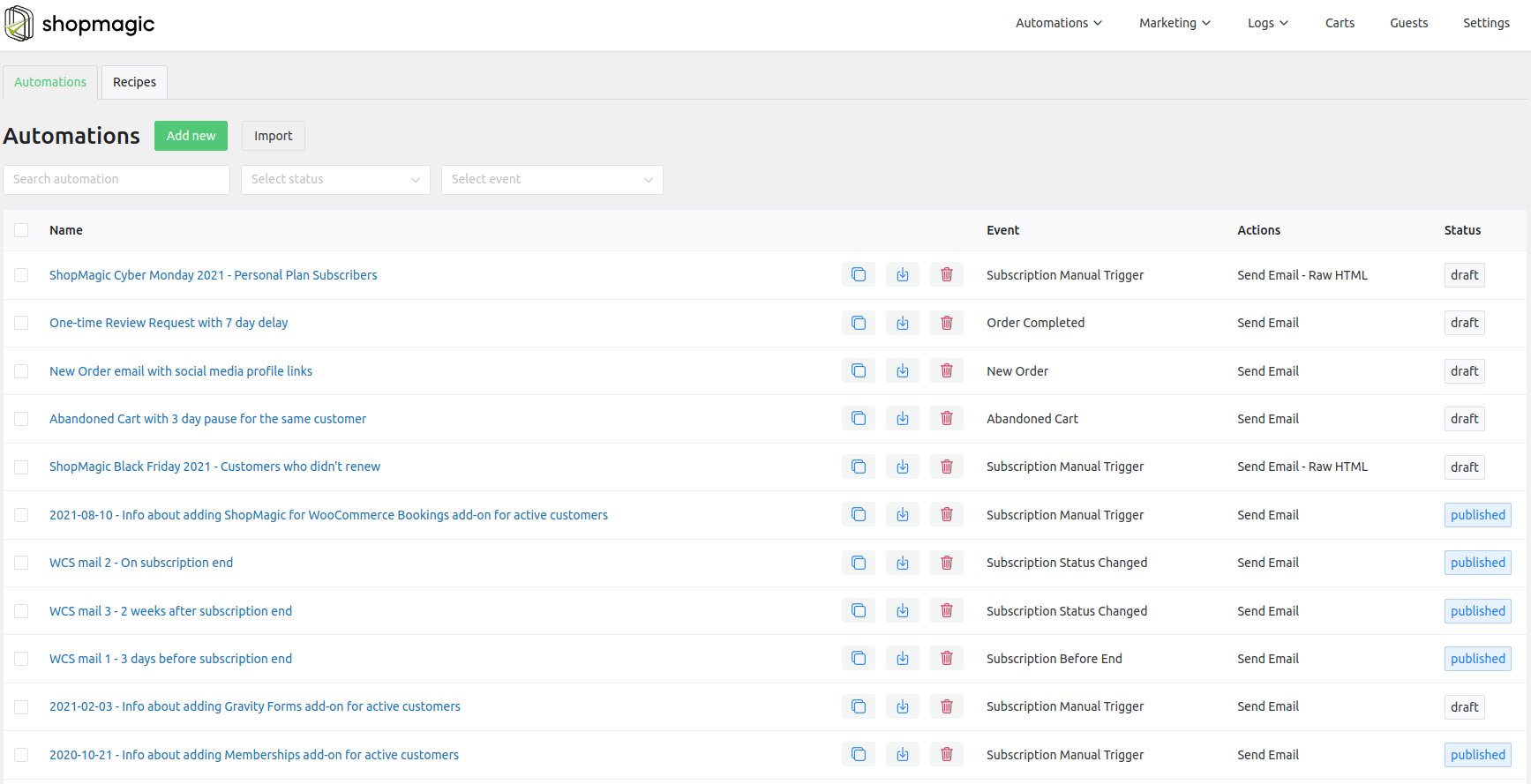
We are also excited about the ShopMagic events and placeholders.
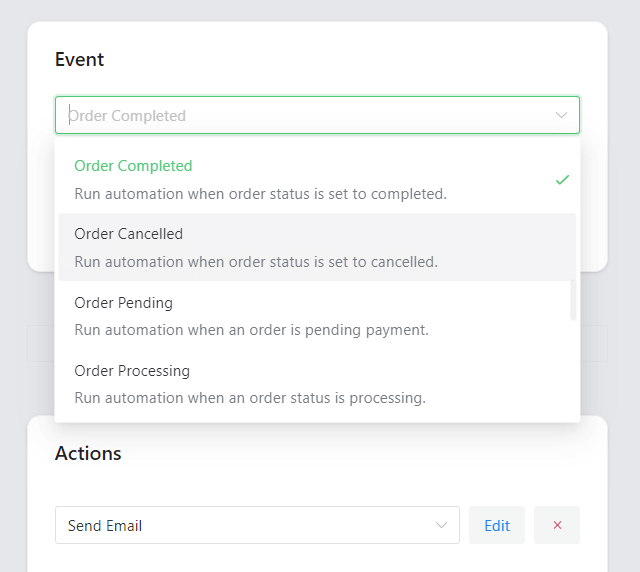
We are also sending review requests to our customers, however, we’ve seen that usually they need an incentive to write a review. That’s why we are offering a discount coupon for every review.
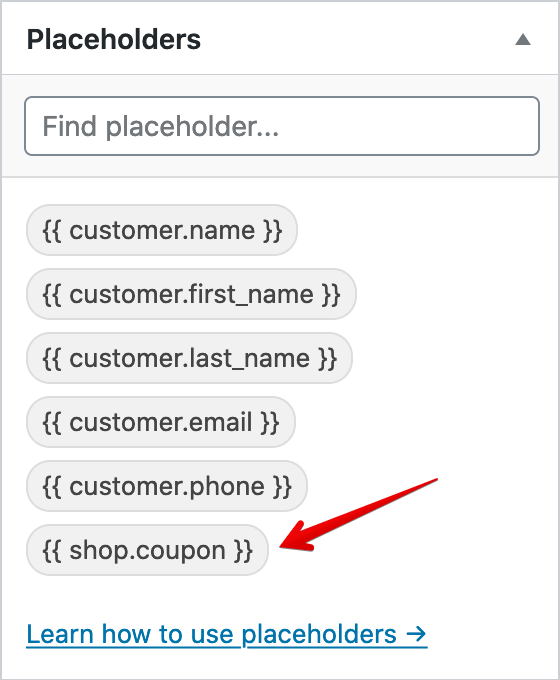
How would you use the coupons and review requests together?
- Send a review request email to your customers, i.e. 2 weeks after their purchase.
- When the customer posts a review, he will automagically get a personalized and unique coupon for his next purchase.
Summary & more about ShopMagic
Today, you’ve read how to send a custom email and thank customers for product reviews in WooCommerce. I encourage you to visit the ShopMagic plugin page to see all its features.
ShopMagic Review Requests £69
Send WooCommerce review email with ShopMagic. Include discount codes and thank your customers for their product reviews.
Add to cart or View DetailsIf you have any questions let us know.
Related to the WooCommerce review email
-
WooCommerce notifications to Slack

Order notifications to Slack. Start sending messages to Slack from WooCommerce with a WordPress integration plugin. -
Welcome email in WordPress

How to make a great first impression? Find out how to use ShopMagic to prepare the best WooCommerce welcome email.
