Outcomes (logs)#
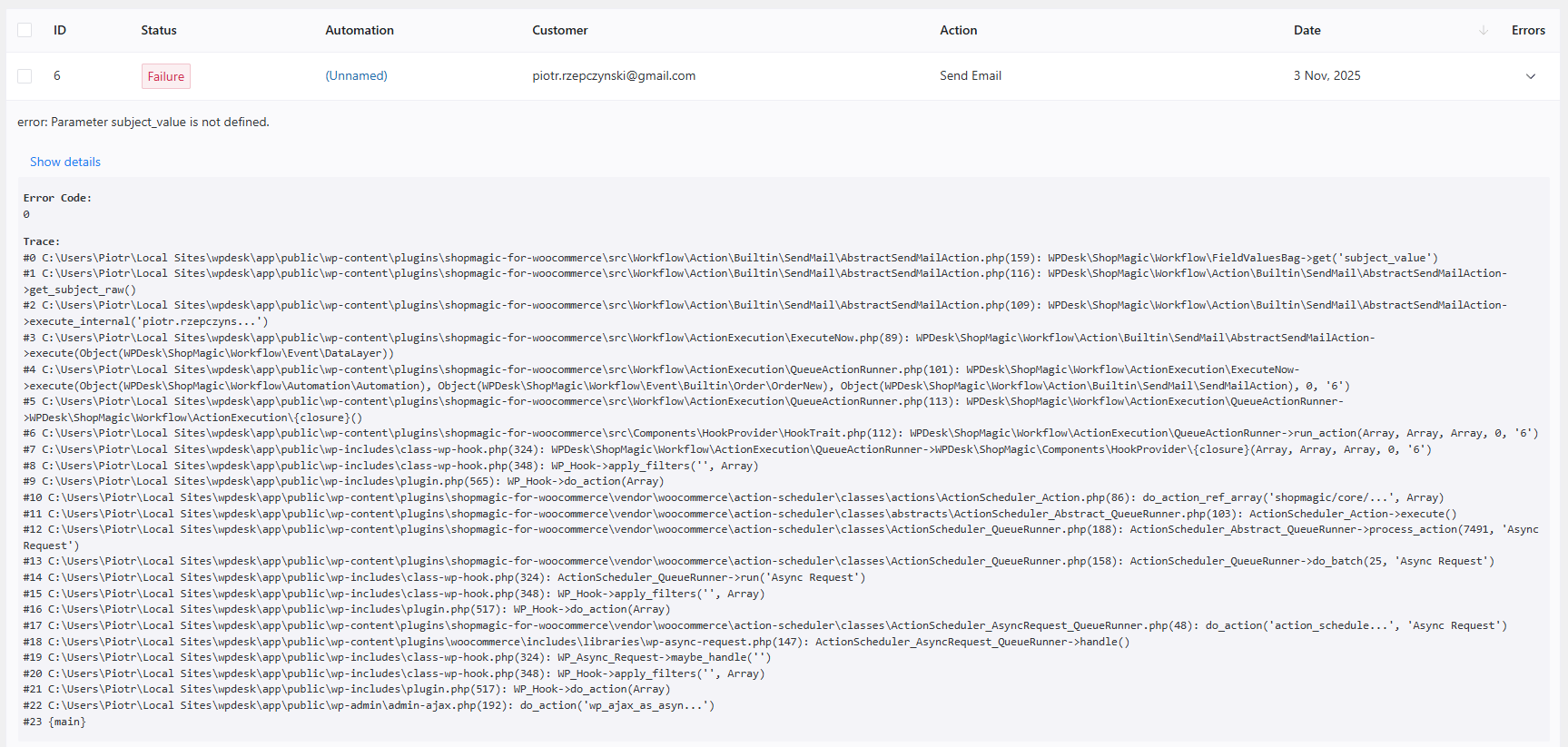
Outcomes are ShopMagic’s logs. Outcomes register all the emails sent from the ShopMagic plugin, and present information in a table form:
ShopMagic 2.26 version added an option to clear the Outcomes. You can select a single or bulk select group of logs, which you can then delete

- ID - Internal ID number.
- Status - Automation can receive Completed or Failed status. Completed means that ShopMagic properly sent the email. Failed, means that something went wrong. To troubleshoot a potential issue, check the last column - Options.
- Automation - Title which you choose for your automation.
- Customer - Full name of customer, and additional information whether it is a guest user or not. Sometimes, you can see “No customer has been provided” information here. This means that this particular automation used no customer.
- Action - What type of Action was executed.
- Date - When your automation was executed.
- Errors - Here you’ll be able to view logs of this specified automation. Logs contain useful information, especially if they are connected to the automation with Failed status.