





Currently, more and more companies are incorporating marketing automation basics into general marketing strategies. Thanks to innovative digital communication tools they build and strengthen relations during the whole customer journey. Let us see what it looks like in 4 simple steps. Also, get a free plugin for marketing automation in WordPress and WooCommerce!
Have you heard about marketing automation but you don’t know where to start?
Today, you’ll see 4 steps to build marketing automation in your store. What’s more, in this article, you will also find a free marketing automation plugin for WordPress and WooCommerce.
ShopMagic
Get the free marketing automation plugin for WooCommerce to increase your sales and customer loyalty.
Download for free or Go to WordPress.orgLet’s begin🎉!
Table of contents
- STEP 1 – Let yourself be found
- STEP 2 – Get data about your customer for your marketing automation basics
- STEP 3 – Reach your customer again but with a personalized communication
- STEP 4 – Build loyalty and engagement
- Summary & more about ShopMagic
STEP 1 – Let yourself be found
👉🏿 This is a crucial point. Without knowing you, your customer will not purchase from you. So, in the beginning, you should create an awareness strategy to build interest in your brand and your products. Here, you should use digital marketing channels, such as social media, display advertising, video advertising, or paid search text ads.
Think also about a key message that you would like to add to your marketing materials. What is your main objective and how would you like to influence the customer?
Don’t forget to be prepared! While launching a marketing campaign expect heavy traffic on your website. Ensure usability and readability to maximize conversion.

STEP 2 – Get data about your customer for your marketing automation basics
Congratulations! In this step, you managed to reach your customer and encourage him to visit your website. Now, with the help of marketing automation tools you can track his behavior:
Who is he? Did he quit fast? Or maybe he was looking for some detailed information about your offer.
👉🏿 You can use this valuable data for your further activities.
At first, focus on creating segments of your target group. Divide them into groups of users that are similar to each other, i.e. users that left your shopping cart just before purchasing.
Be careful when handling data. Learn about the regulations in force in your country and comply with them.

STEP 3 – Reach your customer again but with a personalized communication
It is the real advantage of marketing automation basics. When having your customer base divided into segments, you can reach them with tailored communication – to each individually. For example, those who stopped the purchasing process can see later a Facebook Ad with the product they wanted to buy. Adjusting marketing communication increases conversions and as a consequence, influences revenue growth.
👉🏿 At this stage, you can use plenty of tools, such as newsletters, text messages, or mobile notifications.
Be professional! Do not force too many contacts with your brand. Intrusive advertising will only lead to losing the customer.
STEP 4 – Build loyalty and engagement
👉🏿 Last but not least, stay in touch with your customer and do not make him forget you. If he has his birthday – send wishes and a discount coupon for your products. Engage him regularly by providing special offers and customized communication. As a result, you will acquire a dedicated ambassador that not only purchases regularly but also encourages his friends and family to do so.
Focus on the quality of your services and customer care. Don’t let your customer be dissatisfied because of your service or poor contact. Be professional.
Benefits of marketing automation
Are you ready to use these marketing automation basics?
- Customers buy products from the companies that have relations with them.
- Collect and segment the data about your target group provided by digital systems. Use this data in your marketing automation basics.
- Give your customers a multichannel experience. Communicate with them in many different places.
- Be professional at every stage of contact with your customer.
Summary & more about ShopMagic
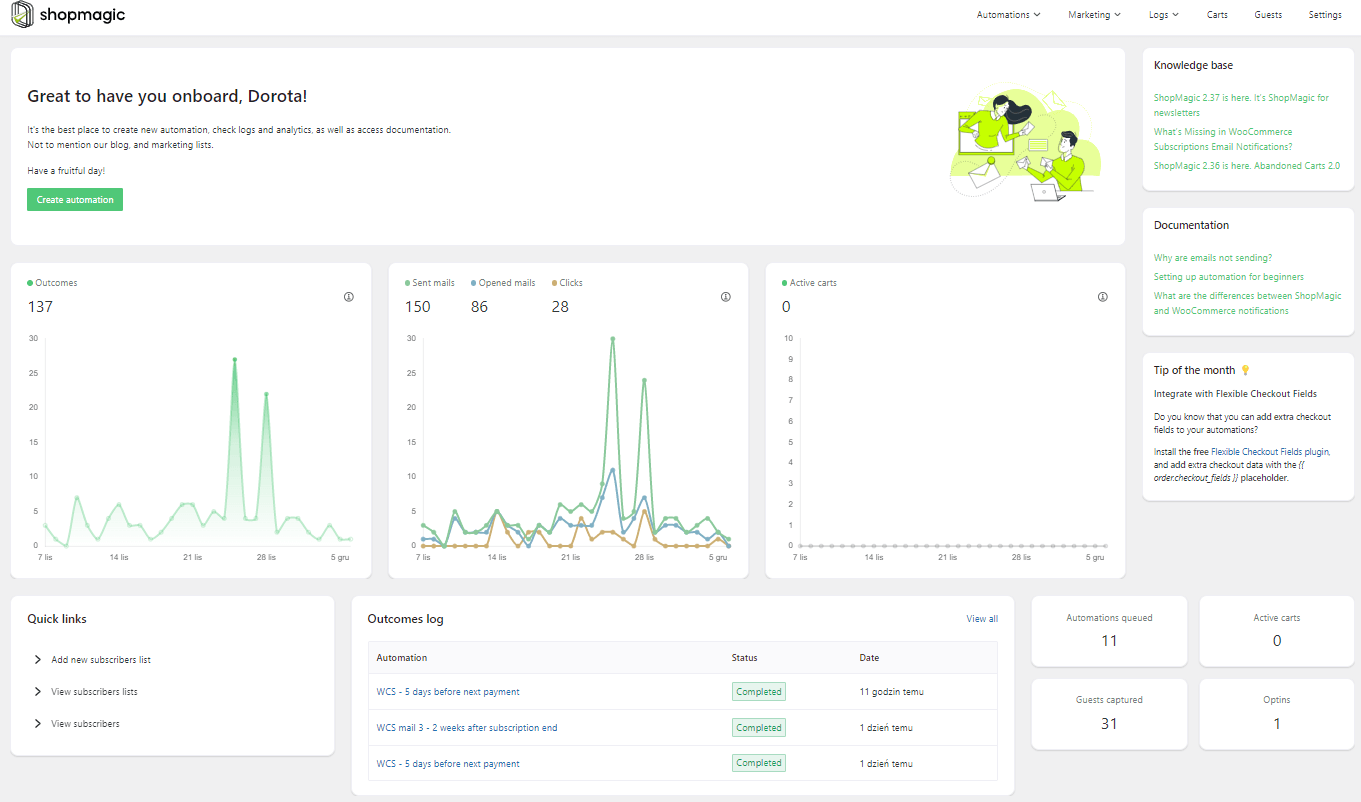
Today, you’ve seen 4 steps to build marketing automation in your store. If you run a WooCommerce store, get a free marketing automation plugin for WordPress and WooCommerce.
ShopMagic
Get the free marketing automation plugin for WooCommerce to increase your sales and customer loyalty.
Download for free or Go to WordPress.orgAlso, read our blog to get more tips about successful marketing automation and customized emails in WooCommerce.
➡️ Of course, if you have any questions, let us know!
Related to WooCommerce automation basics
-
Post purchase email
WooCommerce post purchase email. Save time, increase customer loyalty and earn more money for your store. All that with ShopMagic. -
All about sales funnel
WordPress and WooCommerce sales funnels. How to do it? Keep your customers coming back to our stores for more of what they like.
