





A WooCommerce email list can be a marketing game changer – let’s see how to create one with a free WordPress plugin! This feature was very essential to implement, due mainly to the GDPR. Read more to see how to create email lists in WordPress and WooCommerce, and set marketing opt-ins with ShopMagic.
WordPress, and WooCommerce in particular, without an email list, can slow your marketing and make advertising hard.
Today, I will show you how to build email lists in WordPress and WooCommerce with a free plugin! Learn about marketing lists, opt-ins, opt-outs, efficient communication, or email marketing in general. Let’s begin!
Table of contents
- GDPR and email lists
- Create an email list in WordPress & WooCommerce with ShopMagic for free
- WordPress email list types
- WordPress email lists: Opt-ins and opt-outs
- Summary & more about ShopMagic
ShopMagic
Create and organize your WordPress or WooCommerce email list. ShopMagic is the best email list plugin for WordPress and it's for free!
Download for free or Go to WordPress.orgGDPR and email lists
You know how important it is to send marketing communication only to customers that gave their consent. It has always been so important, but after GDPR has been introduced it became crucial.
So it’s very important to manage the customer consent. Customers should be able to unsubscribe from certain emails or communication types.
👏 You can use opt-in and opt-out options in the ShopMagic plugin. I will cover all the important features of ShopMagic as far as creating an email list is concerned.
Create an email list in WordPress & WooCommerce with ShopMagic (a free plugin)
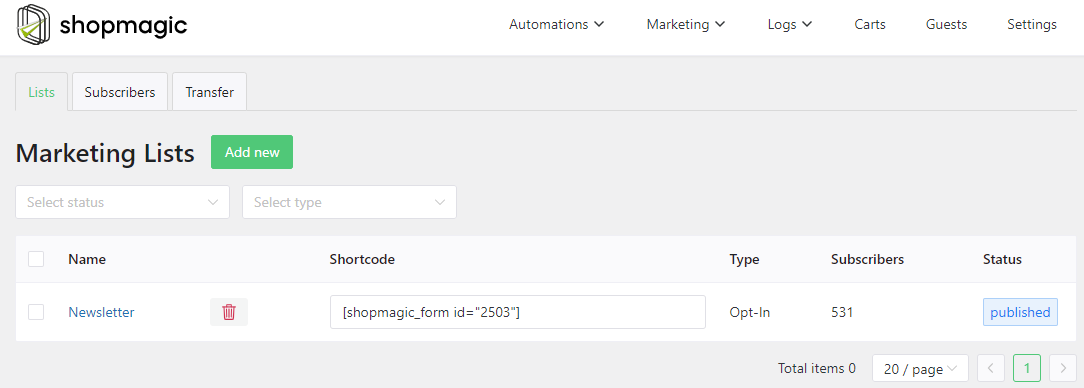
✅ With WooCommerce email lists you can manage your marketing opt-ins or opt-outs. So that you make sure that you have the customer’s consent to send marketing emails.
WordPress email list types
➡️ There are 2 types of lists in ShopMagic:
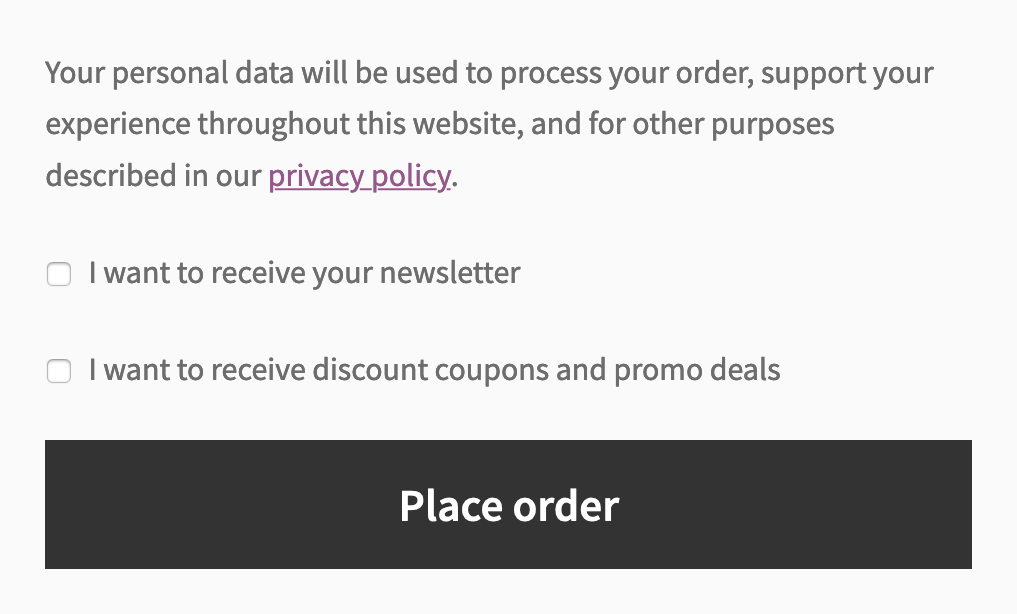
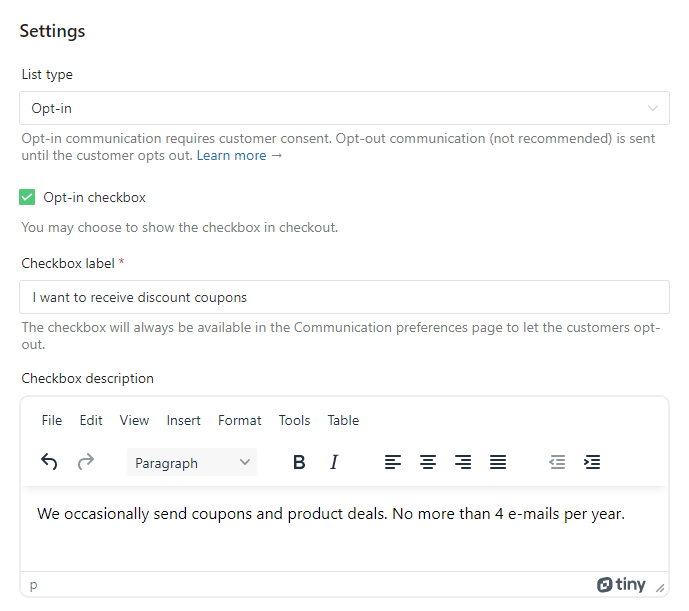
- Opt-in – these lists require the user to give consent to be subscribed. For example, he can do this in checkout by ticking a checkbox or on his account page.
- Opt-out – all new customers will be automatically subscribed to these lists when they place the order and haven’t previously unsubscribed from these lists. We do not recommend using these lists, especially for the EU customers, however, we wanted to include these features for some specific cases you might have in your WooCommerce store.
Subscribing to lists
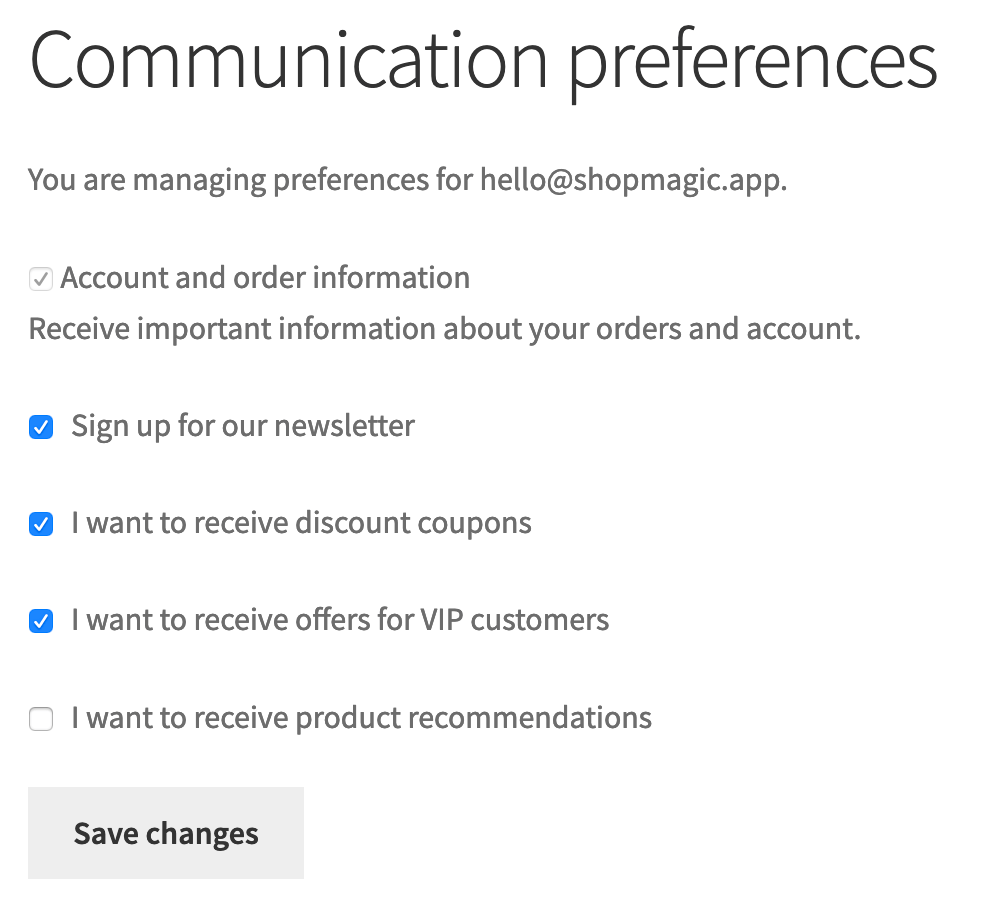
➡️ There are several ways your customers can subscribe to lists:
⚪ In the checkout:
⚪ On the communication preferences page or in the account:
⚪ Or automatically when they place the order (only for opt-out lists).
When you add a new list there are many settings that you can configure:
WordPress email lists: Opt-ins and opt-outs
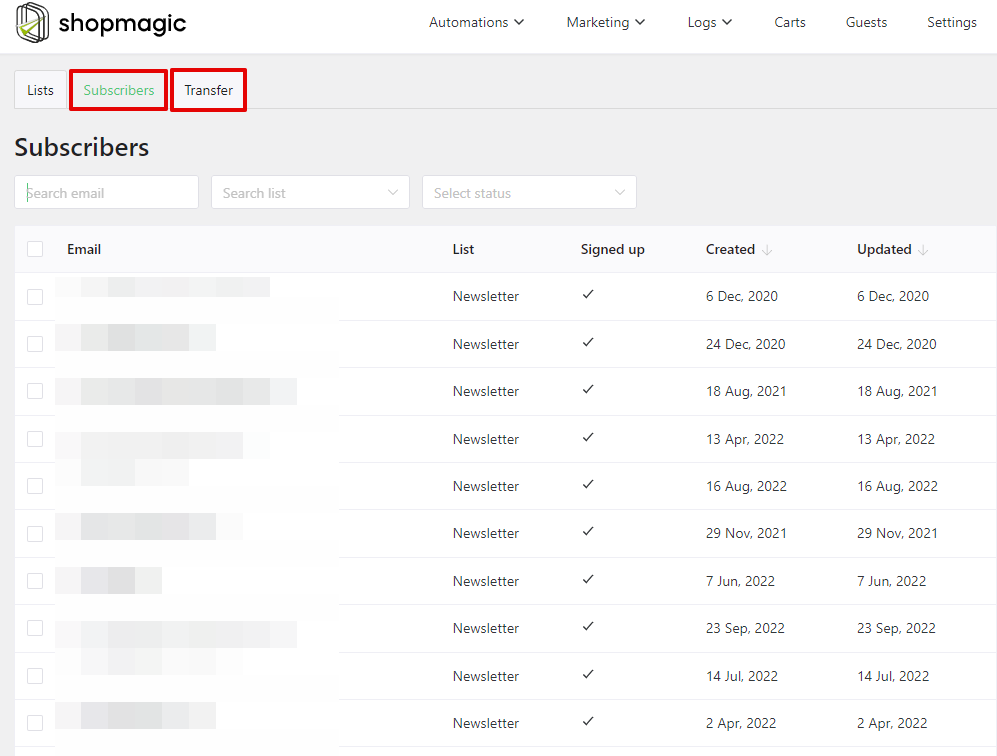
When your customers (or guests) start to subscribe to lists (or unsubscribe from them) you will see a handy list with all opt-ins and opt-outs. There is also a search that you can use. You can also import emails from other sources.
New events
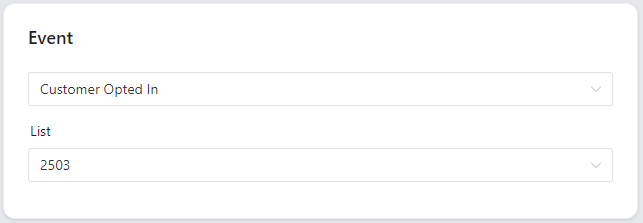
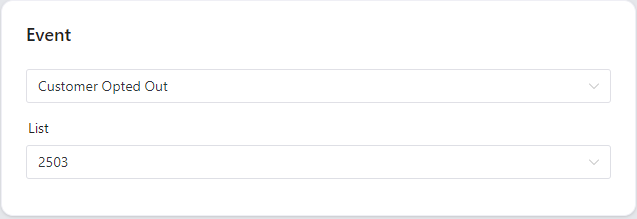
➡️ We’ve also added 2 new events connected to lists. Now you can target each opt-in and opt-out and for example, send an email or add subscribers to Mailchimp.
New filter
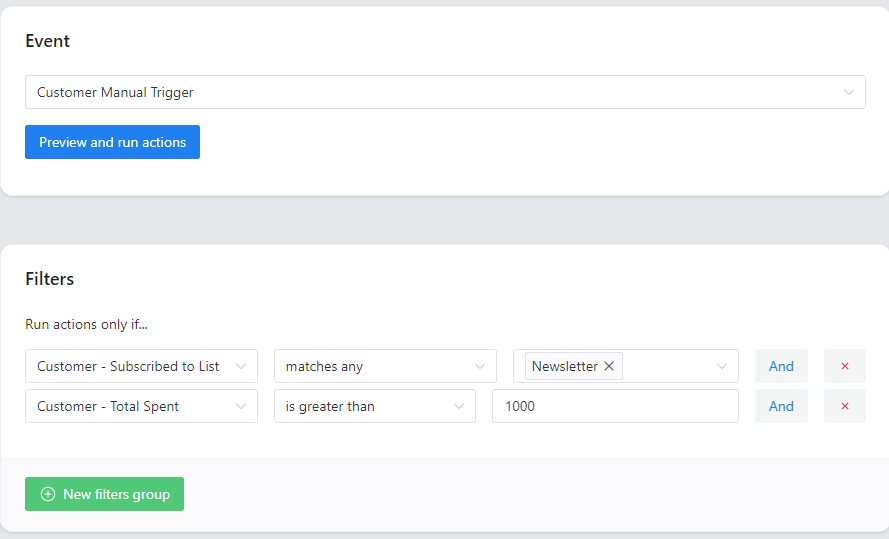
➡️ There is also a new filter which is extremely important when you want to make sure that you send emails only to customers that gave their consent to marketing communication.
If you want to target only customers that opted into receiving newsletters, make sure to add this filter:

Unsubscribe link in the emails
➡️ Last but not least, you can also include an unsubscribe link in the emails. There are 2 ways to do this.
Placeholder
➡️ You can include the {{ customer.unsubscribe_url }} placeholder anywhere in the message content and it will be converted to a link when the message is sent.
Unsubscribe from a WooCommerce email list
➡️ When you create a Send Email action, you will find a new checkbox that enables the link in the footer:

It looks like this in the WooCommerce template footer:

Is that all?
Wow, that was quite a ride! I didn’t expect this post to be this long. Yes, I think I covered everything that is the most important in this release.
OK, there is one more thing. The price, right?
This is all free!👏👏👏
Yes, we included all of these features in ShopMagic free. Why give this for free, when we could charge for these features? Because our goal is to create the best free follow up emails and marketing automation plugin for WooCommerce. And this expresses our commitment to this goal in the best possible way.
Summary & more about ShopMagic
In this article, you’ve learned how to create an email list in WordPress and WooCommerce. Also, how to make sure that you comply with GDPR by using opt-ins and opt-outs in email automations.
I encourage you to download ShopMagic and start building email lists in WordPress and WooCommerce today!
ShopMagic
Create and organize your WordPress or WooCommerce email list. ShopMagic is the best email list plugin for WordPress and it's for free!
Download for free or Go to WordPress.orgFinally, if you have any questions, let us know.
More about the best email list plugin for WordPress
-
ShopMagic: New Layout and New Logo

New layout and new features. The next major release of the plugin is an eye-pleasing package filled to the brim with new features. -
WooCommerce & Google Sheets
Connect Google Sheets to WooCommerce. How to Connect WordPress & WooCommerce to Google Sheets (with a free plugin).
